One workspace for
every flight.
Manage crews, aircraft and missions in one place, from the first shift handover to the final flight report.
The platform
Know where every shift stands.
Give flight crews, technicians and operations teams one place to see what’s ready and what still needs attention.
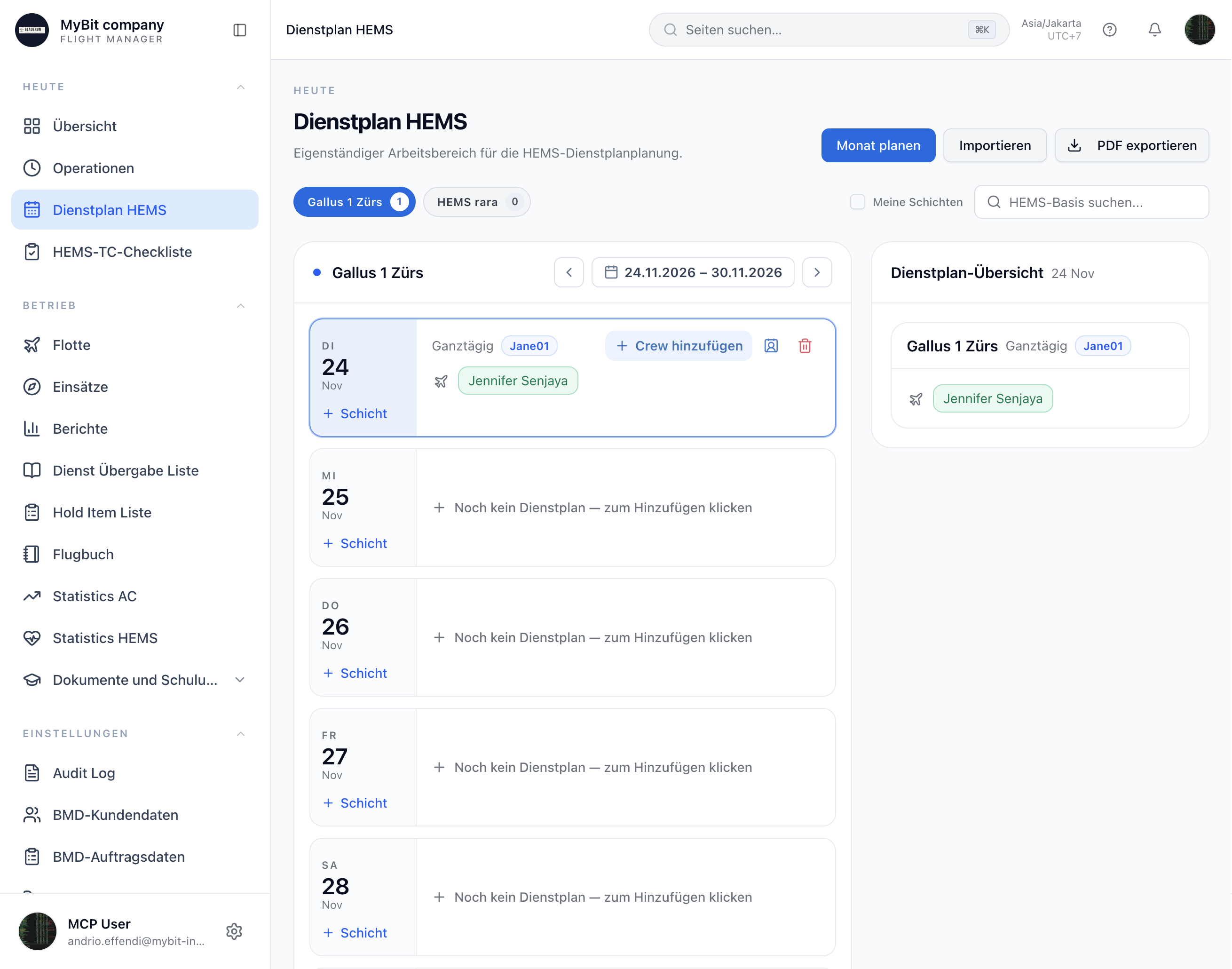
Crew & rostering
Plan HEMS shifts by base. Crews can review upcoming duties and confirm availability.
Fleet & maintenance
See aircraft status, track inspections and manage open maintenance items.
Flight & HEMS missions
Log flight legs and document HEMS missions, from patient records to handover.
Flight books & reports
Review flight log entries, close shifts with FM reports and export records.
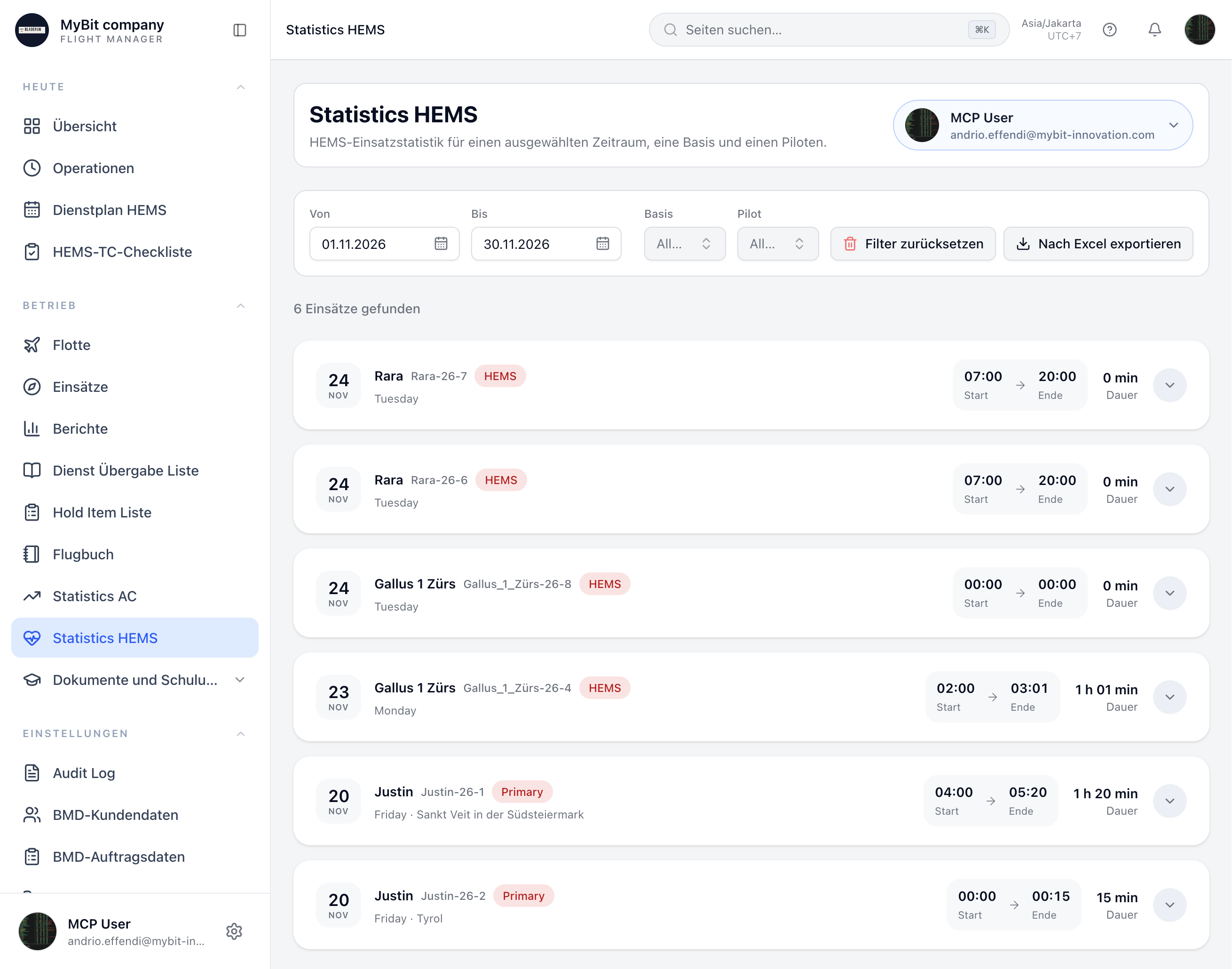
Statistics HEMS — every mission, base and pilot in one filtered view.
The shift workflow
From takeover to final check.
Follow the same four steps your crew sees in Flyman.
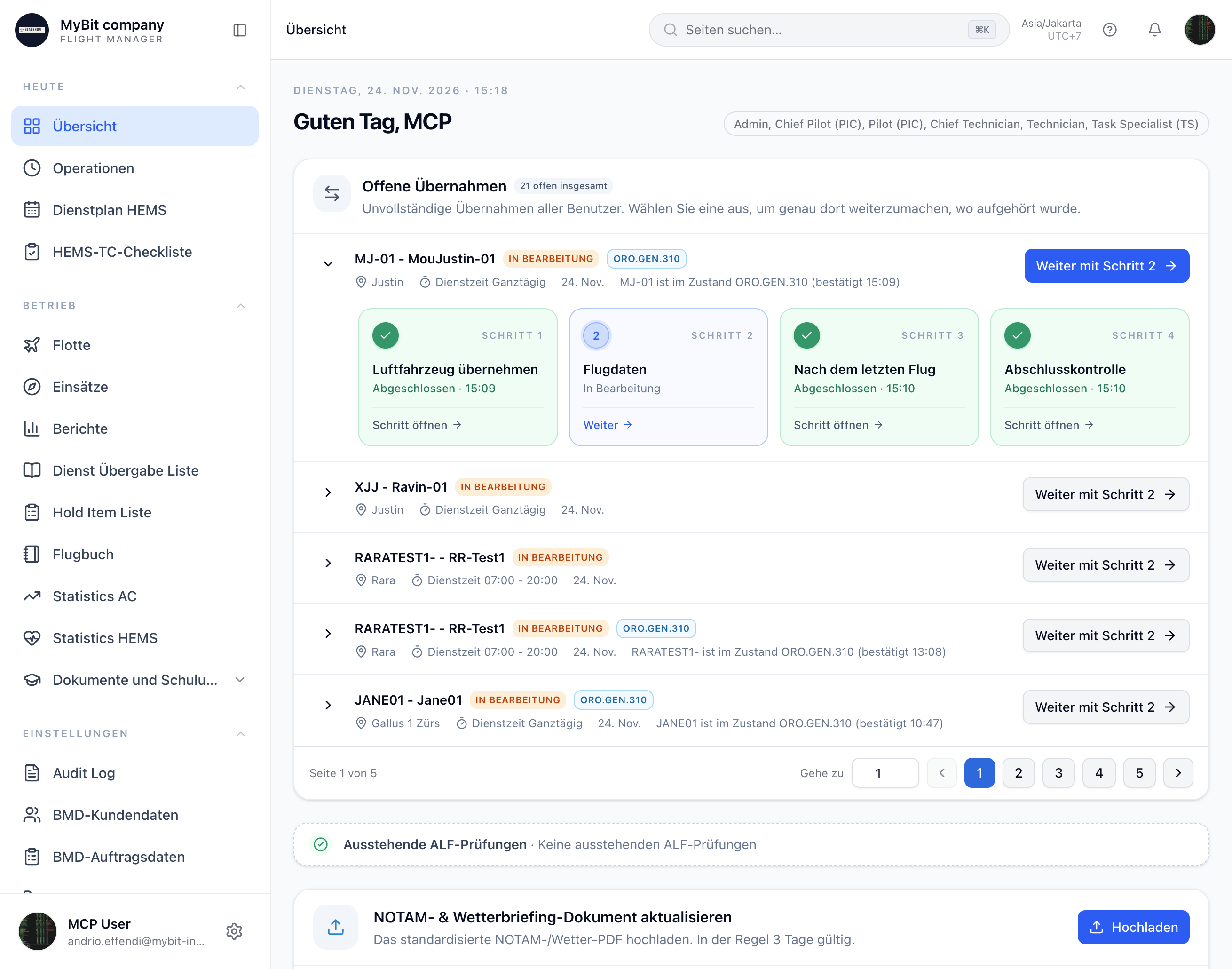
Take over the aircraft
Confirm the base, shift, crew and aircraft. Complete the inspection before the first flight.
Record the flight
Log flight legs and capture HEMS mission, patient and handover details.
Inspect after landing
Complete the after-flight inspection and record any items that need attention.
Close the shift
Run the final check and complete the FM report. Pilots can review proposed entries in the flight book.